

A memory card is a small purchase that can stop a device working properly when it is the wrong one. Whether you are adding space to an Android phone, recording 4K video on a camera or expanding a Nintendo Switch, memory cards need to match the device, the type of files you create and the speed you actually need.
The good news is that choosing the right card is usually straightforward. Start with the format your device accepts, then check capacity and speed. Paying for a faster specification than your device can use may not bring a benefit, while choosing a card that is too slow can lead to recording errors, slow app performance or missed shots.
Memory cards start with the right format
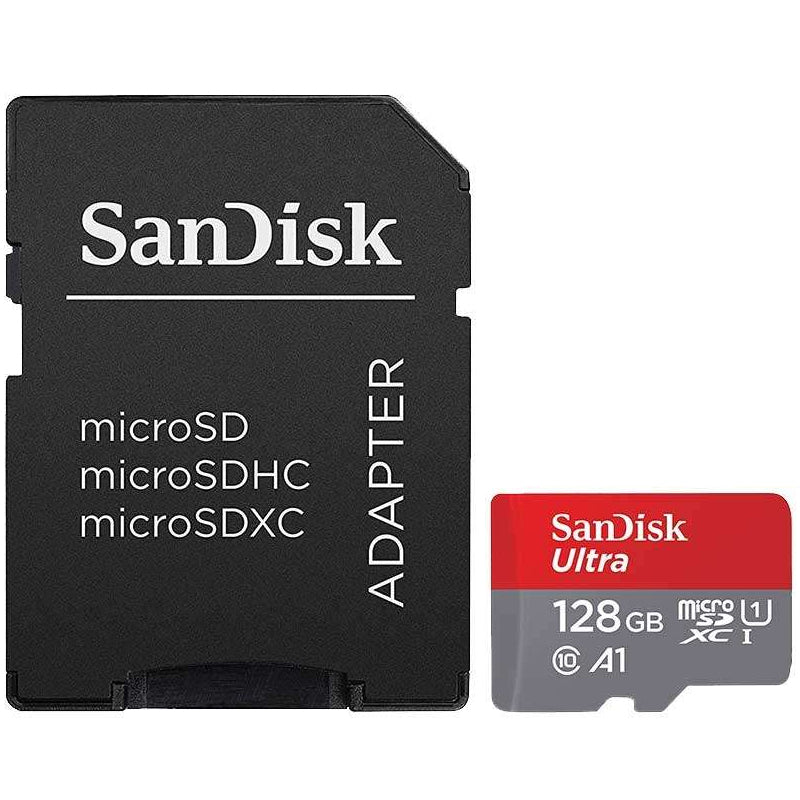
The physical format is the first thing to get right. SD cards are the full-size cards commonly used in digital cameras, camcorders and some laptops. microSD cards are much smaller and are widely used in Android phones, tablets, action cameras, drones, dash cams, handheld games consoles and security cameras.
A microSD card can be used in an SD card slot with a suitable adapter. An SD card cannot fit into a microSD slot. This matters when buying for a camera: check whether the card slot is labelled SD, microSD, SDHC or SDXC before ordering.
Most current devices support SDXC or microSDXC cards, which cover capacities above 32GB. Older equipment may only support SDHC, usually up to 32GB, or may have its own capacity limit. A quick check of the device manual or manufacturer specification can prevent an incompatible purchase.
For Apple iPhones and iPads, removable memory cards are not used for internal storage. However, SD and microSD cards remain useful for moving photos and video from cameras, drones and other devices to a computer or compatible card reader.
Choose capacity around how you use the device
More storage is useful, but the largest capacity is not always the best value. Consider how often you transfer files, how long the device records for and whether it will be left unattended.
For everyday photos, documents and modest phone storage expansion, 32GB or 64GB can be enough. A 128GB card is a practical choice for many users because it gives more room for photos, music, downloads and Full HD video without a significant price jump.
If you shoot regularly on an action camera, drone or mirrorless camera, 256GB and above can make more sense. High-resolution photos and 4K footage use space quickly, especially on a full day out or a holiday where you do not want to stop and manage files. Larger cards also suit games consoles, where individual game downloads can be substantial.
There is a trade-off. Keeping all your recordings on one very large card is convenient, but it concentrates your files in one place. Photographers and videographers often prefer two or more cards, changing them between sessions and backing up footage promptly. For a dash cam or home security camera, check the manufacturer’s recommended maximum capacity and whether it needs a high-endurance card designed for constant recording.
Speed ratings explained without the jargon
Card packaging can show several speed symbols. They are not all equally relevant, and the key is to match the rating to the job.
Class 10 indicates a minimum write speed of 10MB/s and is a basic requirement for many modern uses. UHS Speed Class ratings are shown as U1 or U3. U1 supports a minimum of 10MB/s, while U3 supports 30MB/s and is the safer choice for many 4K-capable cameras.
Video Speed Class is marked V10, V30, V60 or V90. The number represents the minimum sustained write speed in MB/s. V30 is a strong all-round option for 4K recording on many cameras, action cameras and drones. V60 and V90 are aimed at demanding professional video workflows, including higher bit-rate formats and burst shooting on compatible cameras.
For phones and tablets, Application Performance Class can matter too. A1 and A2 cards are designed to handle the smaller, frequent operations involved in running apps from expandable storage. A2 has a higher potential performance level, but the device must support its features to gain the full benefit. If your phone only stores photos and videos on the card, capacity and a dependable Class 10 or U1 rating may matter more.
Read speed is the figure often printed most prominently, such as up to 100MB/s or 170MB/s. It affects how quickly files can be copied from the card to a computer or card reader. Write speed is more important when recording video or capturing a burst of photographs, because it determines how quickly the device can save data to the card.
Which memory card suits your device?
A smartphone or tablet generally needs a microSD card with enough capacity for the media and downloads you keep locally. Choose a recognised card and avoid filling it completely, as leaving some free space helps with day-to-day use. Before moving apps, check whether the phone allows it, as support varies by manufacturer and Android version.
For compact cameras, a good-quality SD card rated Class 10 or U1 is often sufficient for photos and Full HD video. If the camera records 4K, look for the recommended UHS and Video Speed Class in its manual. A V30 card is frequently a sensible starting point, but the camera specification should have the final say.
Action cameras and drones create demanding video files in a small package. A microSDXC card with U3 or V30 performance is commonly required for reliable 4K capture. Choosing a slow card may cause the device to stop recording, show an error message or limit available recording modes.
Nintendo Switch consoles use microSD, microSDHC and microSDXC cards for downloaded games, screenshots and video captures. Capacity is normally the main decision. A 128GB or 256GB card gives useful room for a growing digital library, while higher capacities suit households sharing one console or players who prefer digital purchases.
Dash cams and security cameras repeatedly overwrite data, often in hot or cold conditions. Standard cards can work, but high-endurance microSD cards are built for continuous recording and are usually the more dependable option. Do not overlook the device’s formatting instructions, as some cameras need the card formatted in the device before use.
Check the device limit before paying for more
A card with a higher UHS bus rating remains backwards compatible in many devices, but it will only perform at the speed the device supports. For example, a UHS-II SD card has an extra row of contacts and can offer higher transfer rates in a compatible camera or reader. In a UHS-I device, it generally works at UHS-I speeds instead.
That does not make a higher-rated card a bad purchase, particularly if you plan to upgrade equipment soon. But for an everyday camera or basic card reader, a quality UHS-I card can offer better value. The same principle applies to capacity: buying 1TB for a device limited to 256GB will not add usable storage.
Check the product description for the card format, capacity, speed class and stated read and write speeds. Then compare these with the device manual. This small amount of checking is more useful than relying on a card’s headline speed alone.
Use a suitable card reader and look after your files
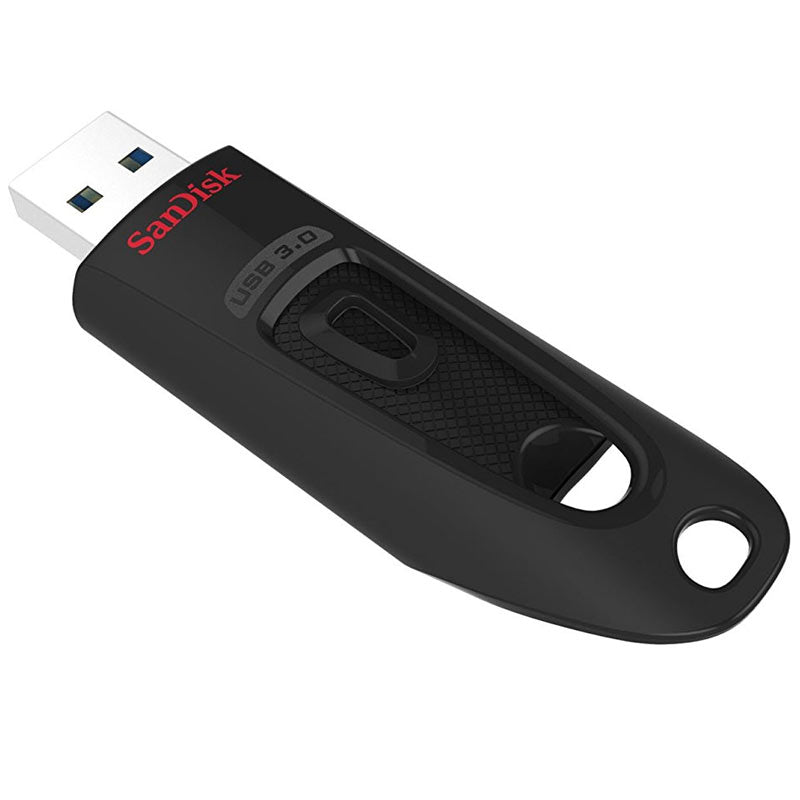
Transfer speed depends on more than the memory card. An older USB 2.0 card reader will limit how quickly files move, even when the card is fast. For large photo libraries or video files, a USB 3.0 or USB-C reader compatible with your card type can save time.
Always use the device’s safe removal option before taking out a card from a computer. Avoid removing it while a camera, phone or console is writing data. Keep spare cards in a protective case, away from moisture, dirt and loose items in a bag that could damage the contacts.
Most importantly, treat a memory card as working storage rather than your only archive. Copy important photos, footage and documents to a computer, external drive or another backup location as soon as practical. Formatting a card in the device after files are safely copied can also help maintain reliable operation.
MyMemory stocks memory cards across the common formats, capacities and speed classes, making it easier to compare a straightforward everyday option with a higher-performance card for recording, gaming or photography.
The right card should disappear into the background: enough space when you need it, dependable recording when it matters, and no unnecessary spend on specifications your device cannot use.

